

ROBLOX GAME DESIGN
AGES 8+
Beginner-friendly.
Live online via Zoom.
Maximum 5 students.
Design, build and publish a polished Roblox game across five intensive days guided by our founder, Tamzid. Students learn core building skills and beginner scripting, progressing from their first platform to a fully published multi-feature Roblox experience with a clear path for continued building.
5
Lessons
(English instruction)
2
Hours Each
Level
Beginner
5
Students/Class (max)
Fees
HK$2,980
Early Bird
Save 15%
Enrol before 31 May 2026
Referral
Save 15%
(For Both Families)
Free
Trial Class Available
Camp Overview
An in-depth introduction to Roblox creation.
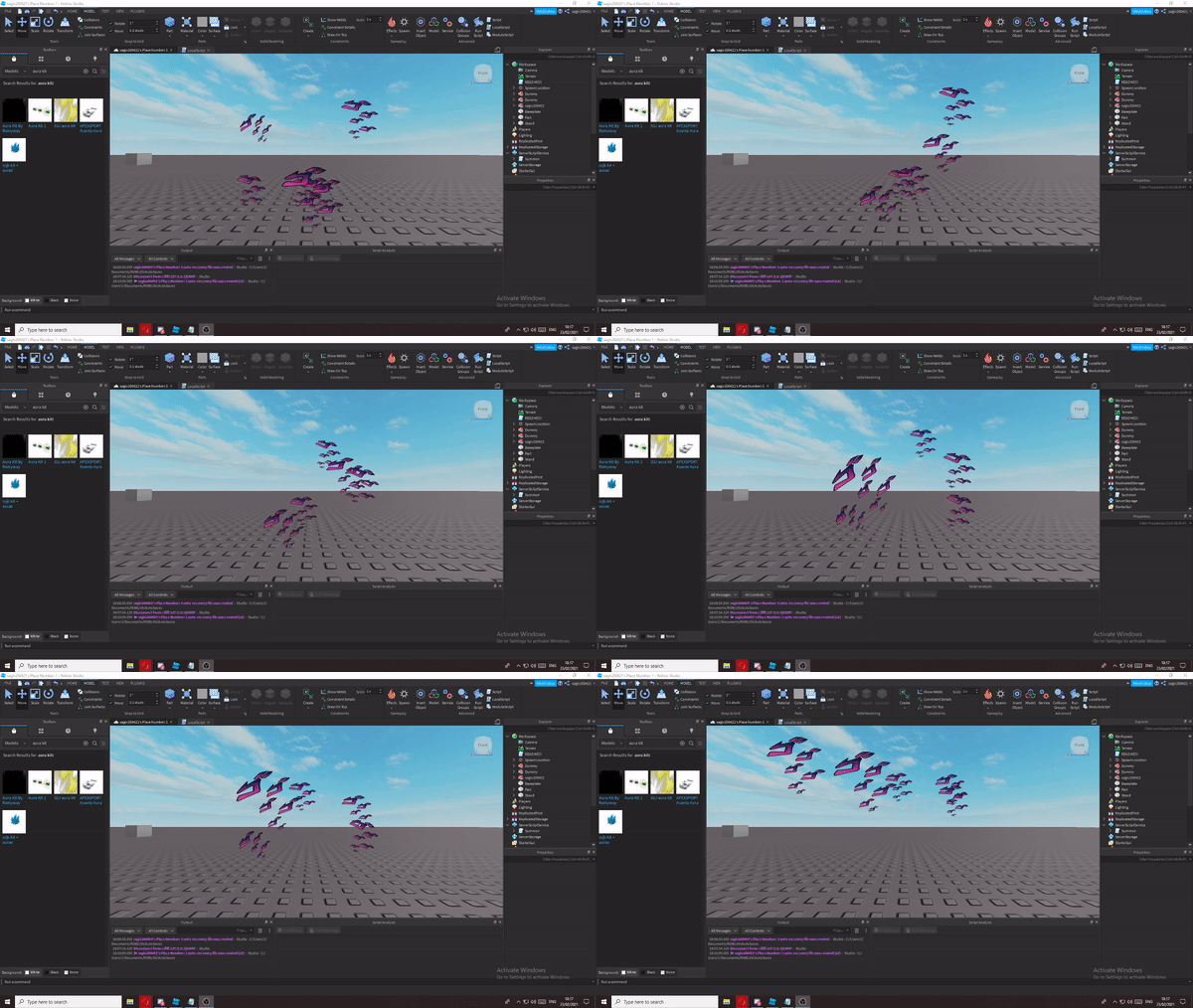
Across five focused days, students learn to design, build and publish a complete Roblox game using Roblox Studio and beginner Lua scripting. Each day blends clear instruction with hands-on building and playtesting so students see their game come to life from the first session. By the final day, every student has designed, scripted and published a polished Roblox experience with checkpoints, hazards and custom mechanics.
Camp Curriculum
Day 1: Studio Setup and World Basics
Install and set up Roblox Studio, learn navigation, parts, and properties. Design your starting area, build your first platforms, and shape a simple path with clean alignment. Understand how Roblox worlds are constructed from the ground up.
Day 2: Movement, Checkpoints and Flow
Add spawn points and checkpoints that save player progress. Shape an Obby flow with platforms, ladders, and jumps that feel fair and engaging. Learn to balance challenge and progression so players stay engaged from start to finish.
Day 3: Hazards, Obstacles and Game Feel
Create dynamic obstacles such as lava floors, disappearing platforms, and moving parts. Tune difficulty with spacing, timing, and rapid playtests. Master the small details that make a game feel polished and satisfying to play.
Day 4: Scripting and Custom Mechanics
Write your first Lua scripts to add custom mechanics. Build interactive elements like buttons, doors, and power-ups. Learn how scripting unlocks possibilities far beyond the standard Studio toolset and gives your game a unique identity.
Day 5: Polish, Publish and Showcase
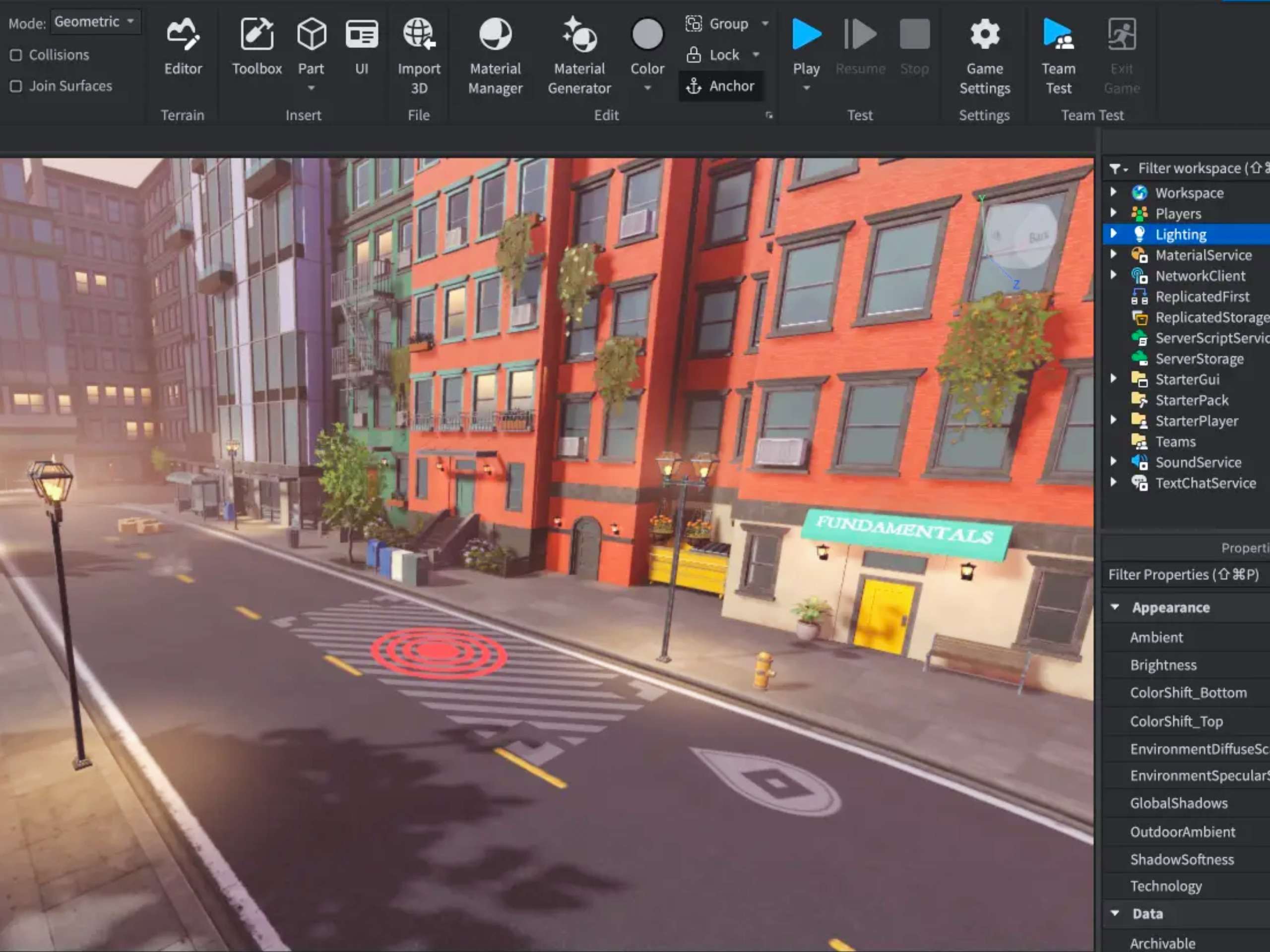
Add signage, skybox, lighting and sound for a professional finish. Set privacy to Friends or Private, publish your game safely, record a short demo, and present the final build to the group. Leave with a published Roblox game you can share with family and friends.
Trial Class
Option 1
Saturday, 30 May
3:30PM to 4:30PM
Option 2
Sunday, 14 June
11:00AM to 12:00PM
Batch 1
Time
9:00AM – 11:00AM
Monday to Friday
Dates
20, 21, 22, 23, 24 July 2026
Batch 2
Time
9:00AM – 11:00AM
Monday to Friday
Dates
3, 4, 5, 6, 7 August 2026
Equipment Preparation
A computer (Mac or Windows) with Chrome, Zoom and Roblox Studio installed. A mouse improves precision for building. A stable internet connection, webcam and microphone are required.
Tools We Will Use
Roblox Studio for building and playtesting, and a Roblox account for publishing your finished game to a shareable URL.
Course Takeaways
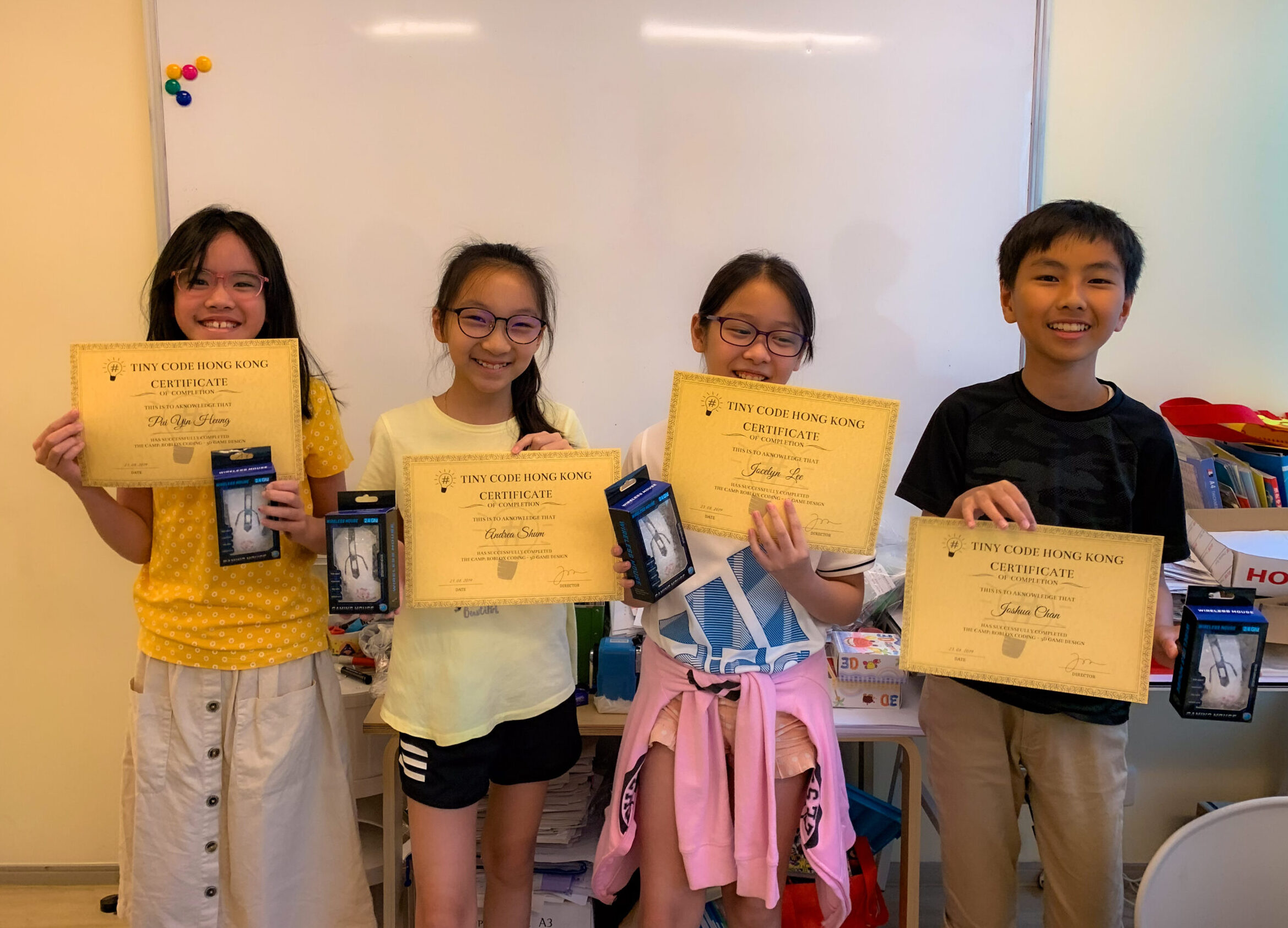
A published Roblox game at a shareable URL, a parent summary report, a personalised certificate of completion, and a 16-class learning roadmap for continued learning in our Regular Weekly Programme.
Parent Testimonial
Hear from Alice, mom of Aidan (11) and Julien (9), on how Tiny Code’s online lessons have kept her sons engaged and building real projects from home. Trusted by Hong Kong families for over 10 years.
FAQ
1. Who is this camp for?
2. Does my child need to know how to code?
3. Will my child publish their game on Roblox?
4. Is this camp also available as private 1-on-1?
5. What does my child receive after the camp?
Ready to start?
Whether your child is exploring code for the first time or ready to build and deploy real AI-powered applications, this five-day group camp delivers focused, small-group learning alongside peers with personal feedback throughout. Secure your preferred batch before sessions fill.