Summer Coding & AI Camps 2026
AGES 6+
5-day camps.
Private or small group.
Real project outcomes.
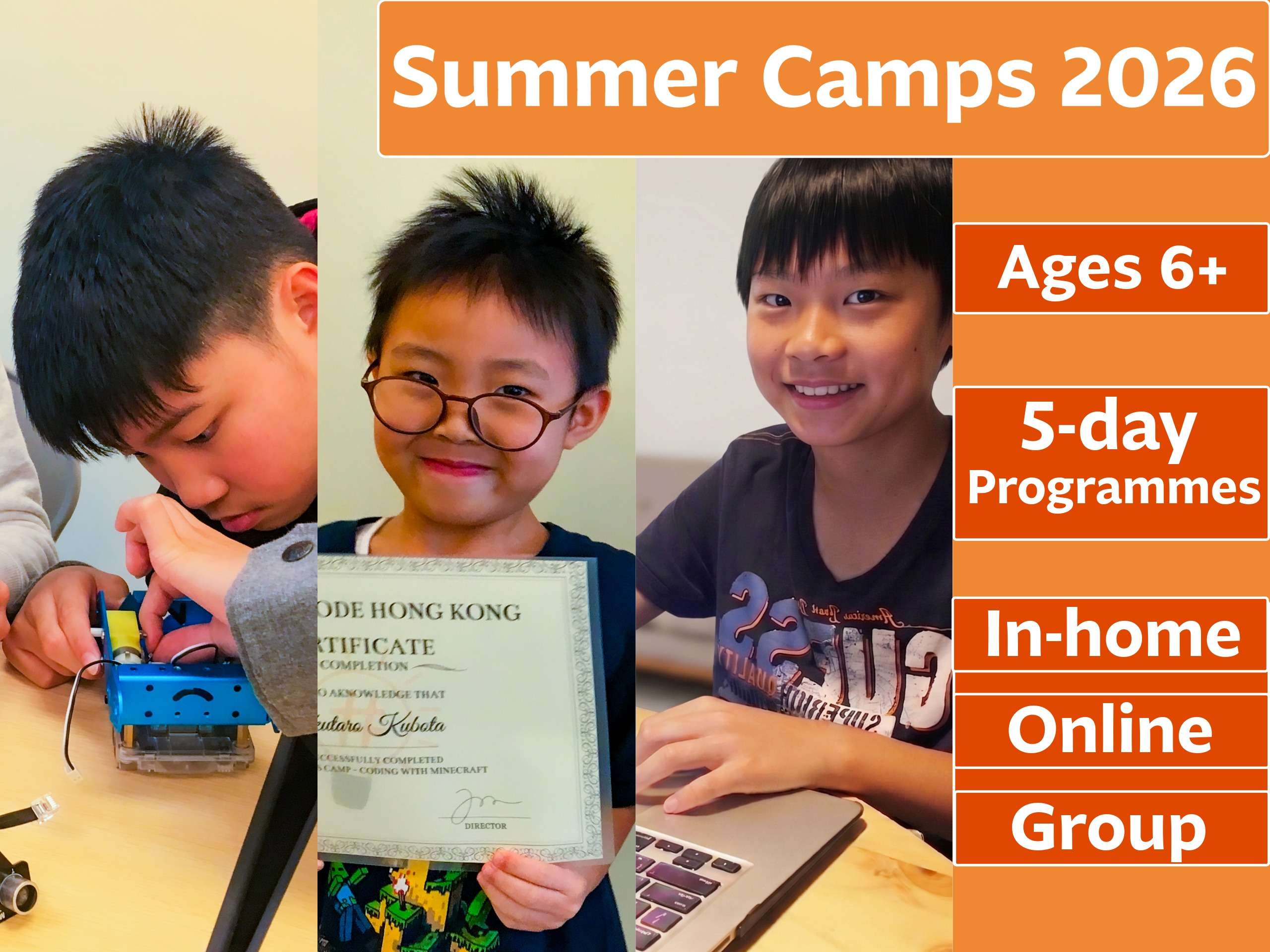
Eight camp topics across three formats. Your child learns with an instructor at home, online over Zoom, or in a small group online of up to 5 students. Each camp runs Monday to Friday and ends with a completed project, a parent report and future learning roadmap. Ages 6+. From June 15 to August 28, 2026.
In-Home Camps
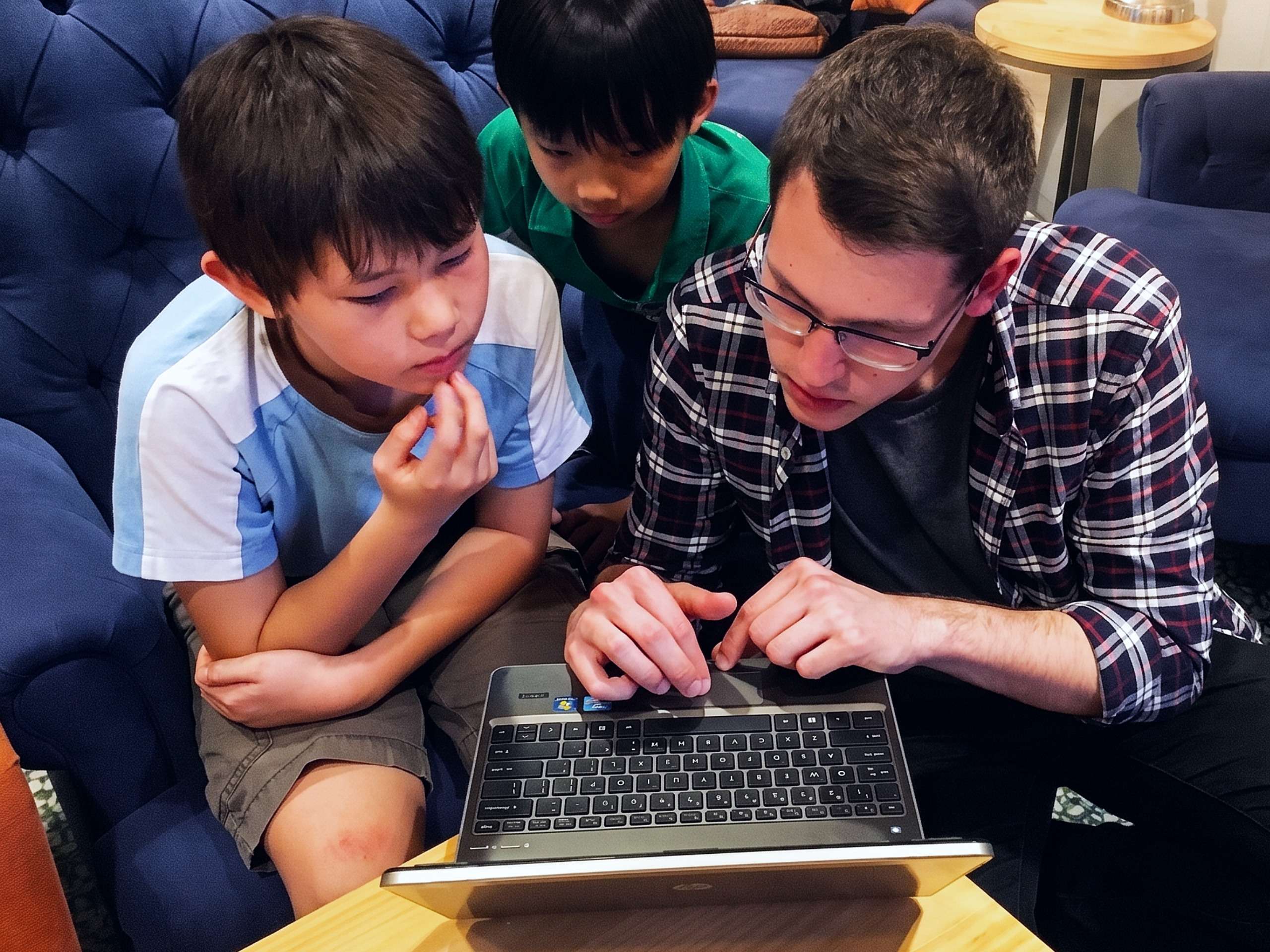
A dedicated instructor at your home focused on hands‑on coding and AI. One‑on‑one instruction helps your child complete a real project in 5 days. Ages 6+. Save 35% with a friend or sibling.
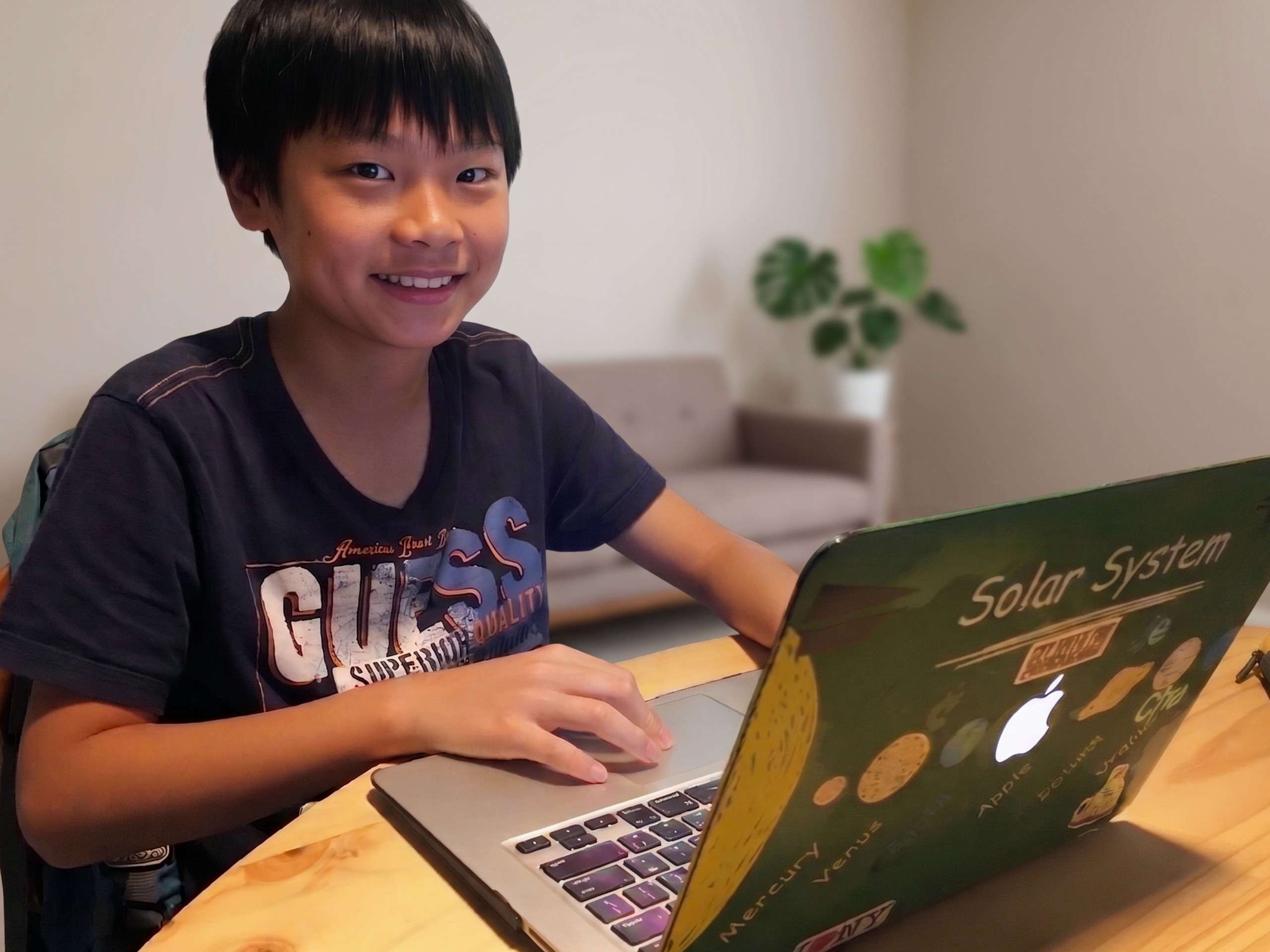
Online Camps
Live one‑on‑one instruction over Zoom focused on coding and AI projects. Personalised pacing helps your child build something real in 5 days from anywhere. Ages 8+. Save 40% with a friend or sibling.
Referral
Save 15%
(For Both Families)
Camp Highlights
AI-Integrated Curriculum
Every camp includes hands-on AI tools and concepts, from training machine learning models to building with the ChatGPT API.
Real Project Outcomes
Private or Small-Group
Flexible Scheduling
Parent Testimonial
FAQ
1. What ages are the summer camps for?
In-home camps are available from age 6. Online camps are for ages 8 and up. Group online camps are for ages 10 and up. Each camp topic has a specific recommended age range, which you can see on the individual camp pages.
2. When do the camps run?
Private in-home and online camps are available every week from 15 June to 28 August 2026, Monday to Friday. You choose the week and time that works for your family. Group online camps run on fixed dates in July and August — see the Python & AI Foundations and AI Vibe Coding camp pages for the full schedule.
3. What equipment does my child need?
A laptop or desktop computer and a stable internet connection. Online and group camps are held on Zoom. Some camp topics require specific free software — we send a complete preparation guide after registration. For the in-home AI & Robotics Lab camp, the instructor brings all hardware to your home.
4. What does my child receive after the camp?
Every student receives a completed project they built during the camp, a parent summary report covering what they learned and how they performed, a personalised certificate of completion, and a 16-class learning roadmap outlining the recommended next steps in our regular weekly programme.
5. How do I register?
Click the Enrol Now button on any camp page to start. Once we receive your registration, we confirm your preferred schedule and send a preparation guide with everything your child needs before Day 1.